
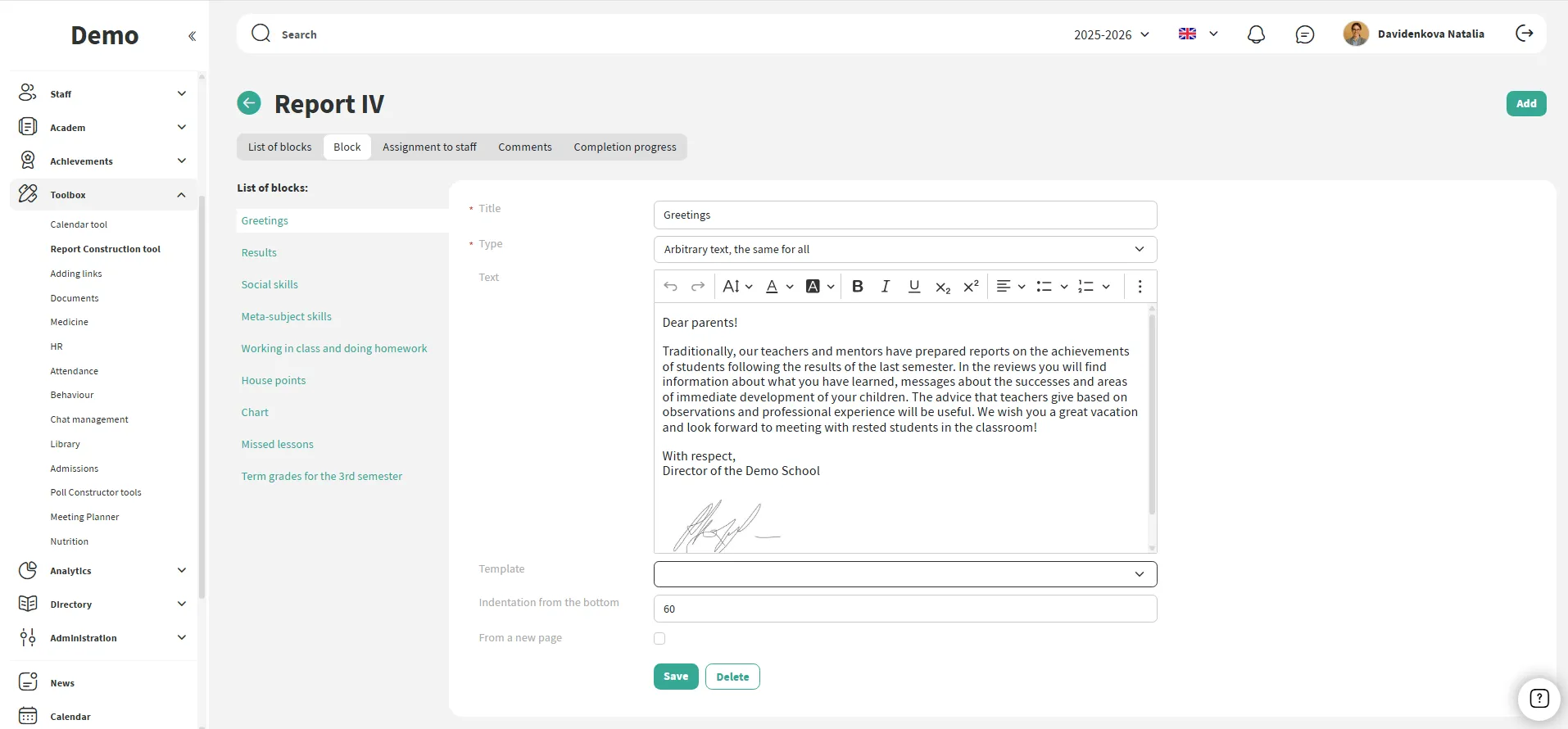
Schools can create and customize unique report templates that fully match their style and needs, including the option to translate blocks into different languages for bilingual schools.
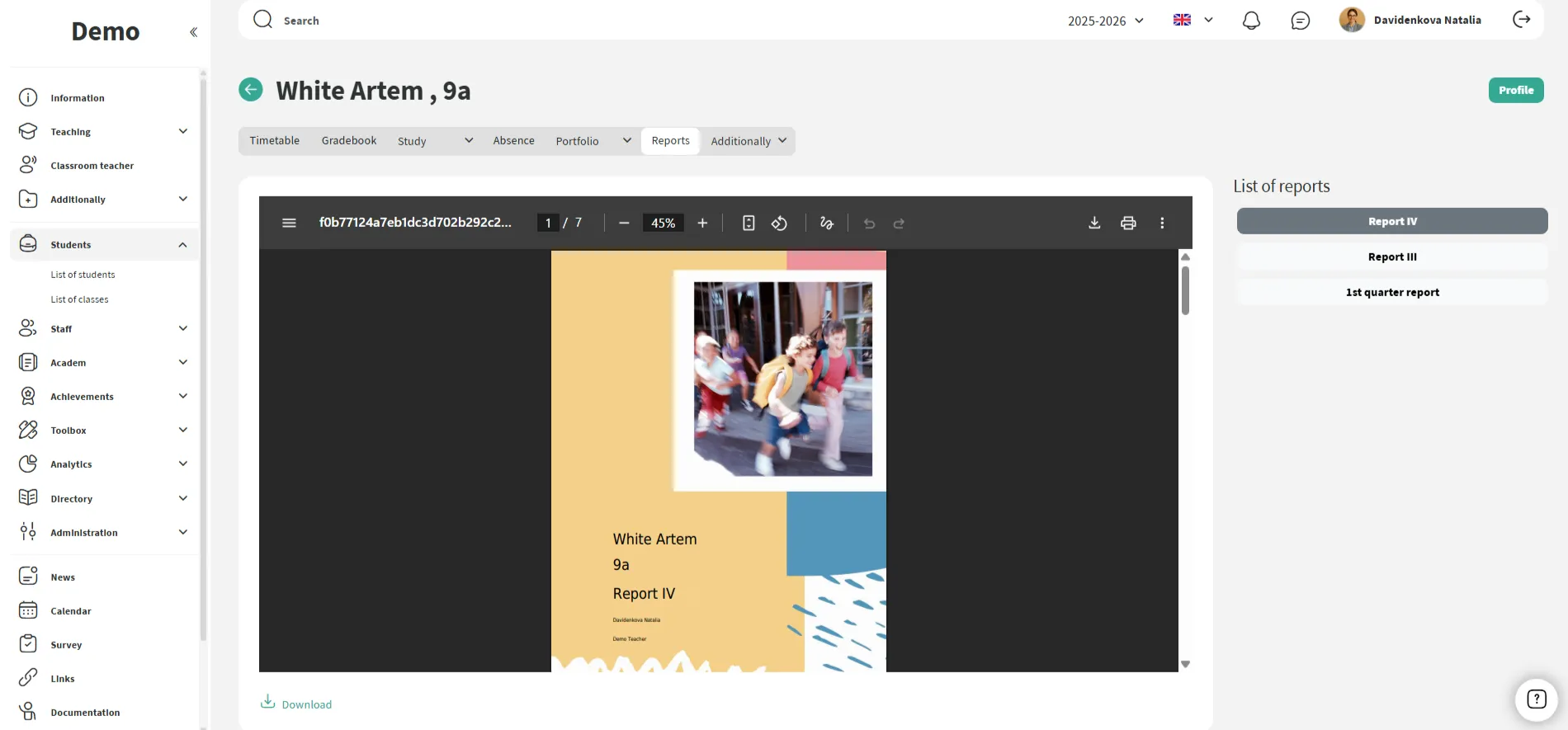
Reports are accessible to teachers and mentors with just a few clicks. Some information is automatically loaded into the report by the system (final grades, absences, activities, etc.).
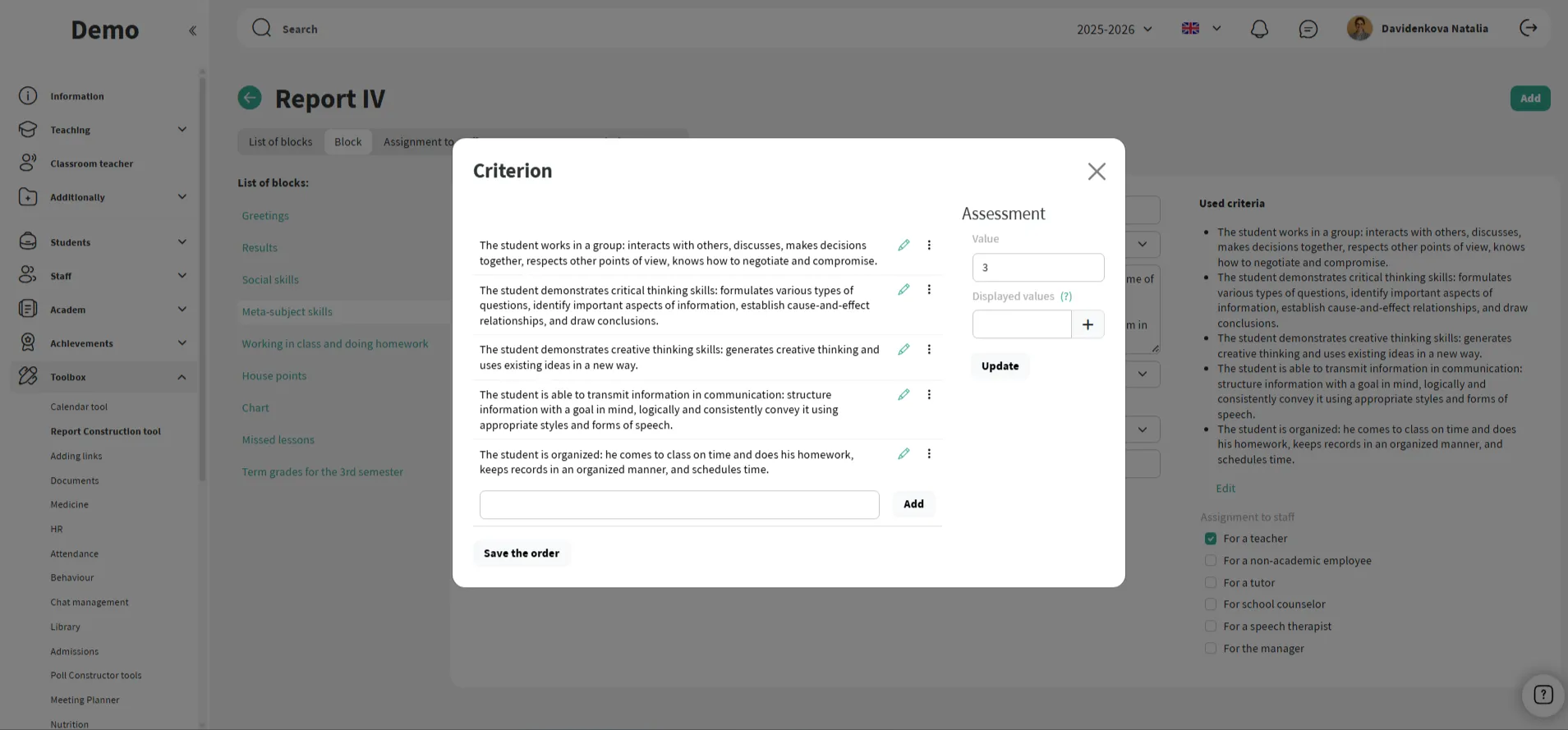
Teachers can customize the assessment criteria in reports, making them more personalized.
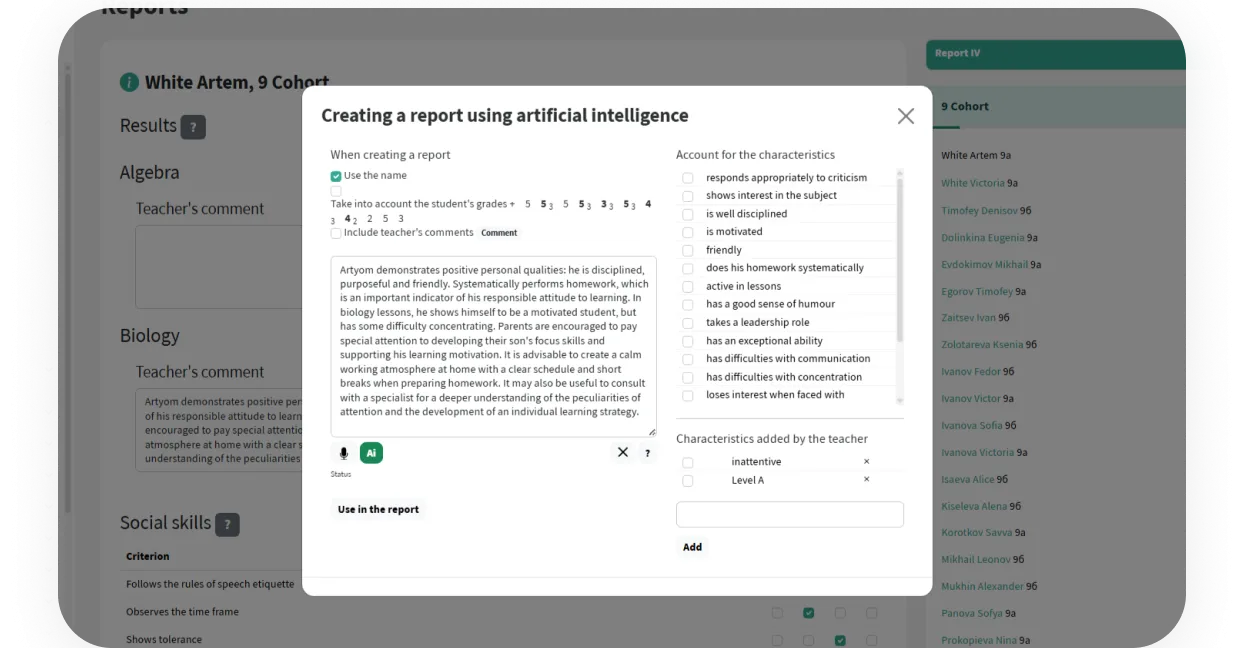
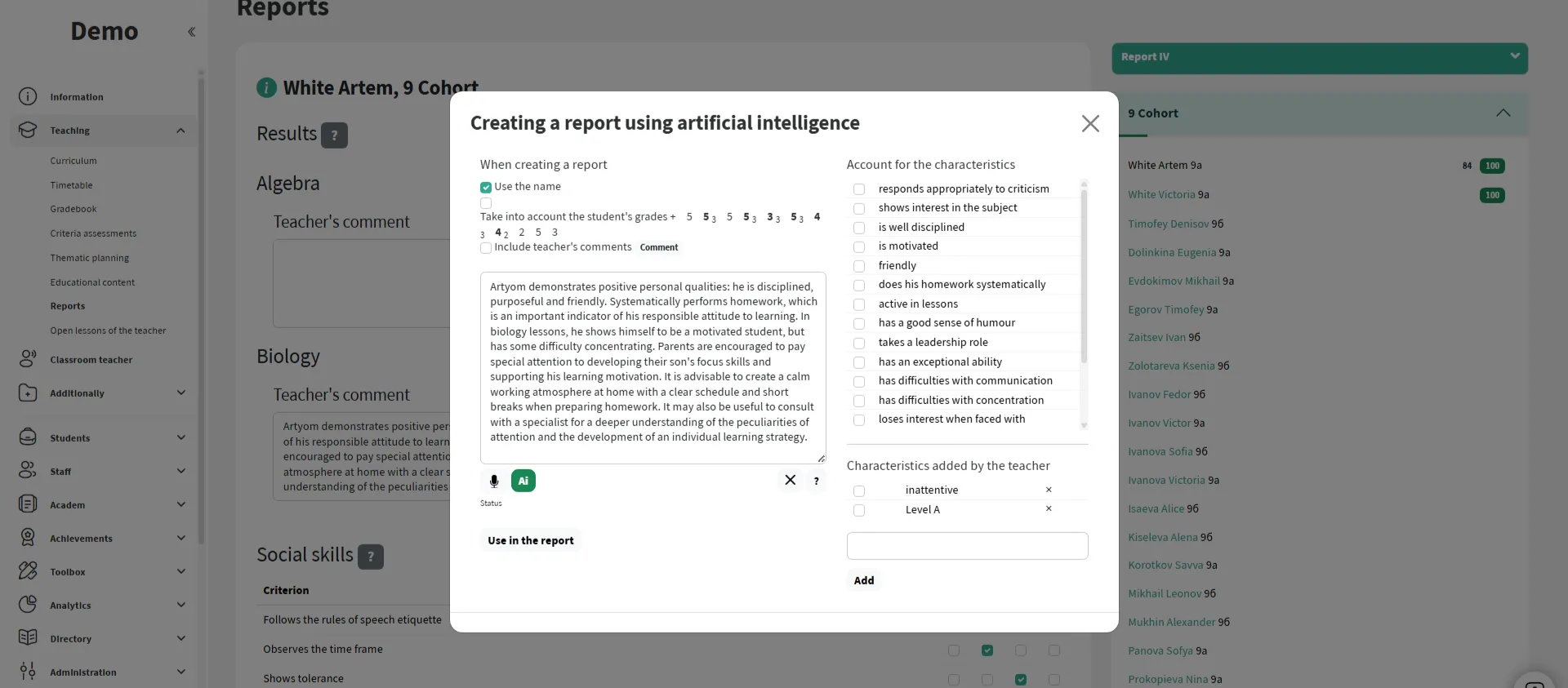
Teachers can dictate reports by voice, and AI will enhance the final text, simplifying report preparation.
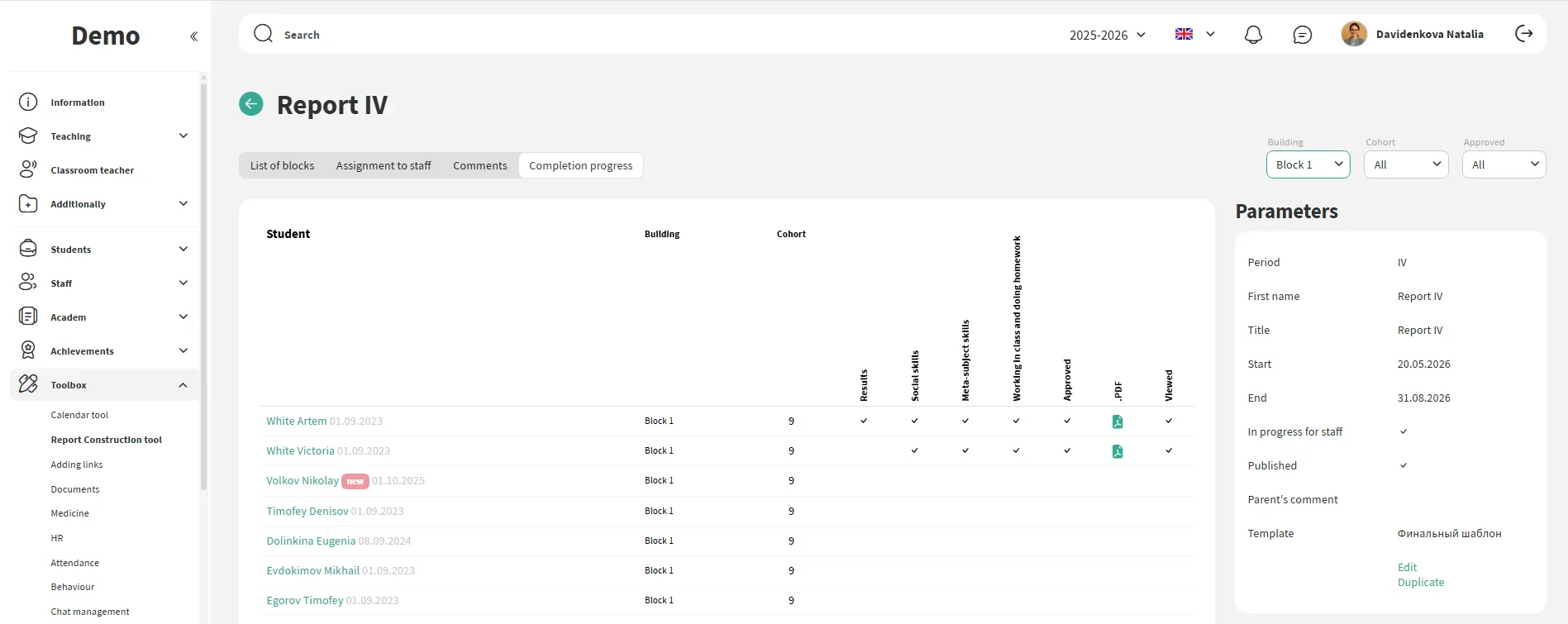
Track the readiness status of reports for each student: see who has already completed, who is in progress, and where fields are still empty.
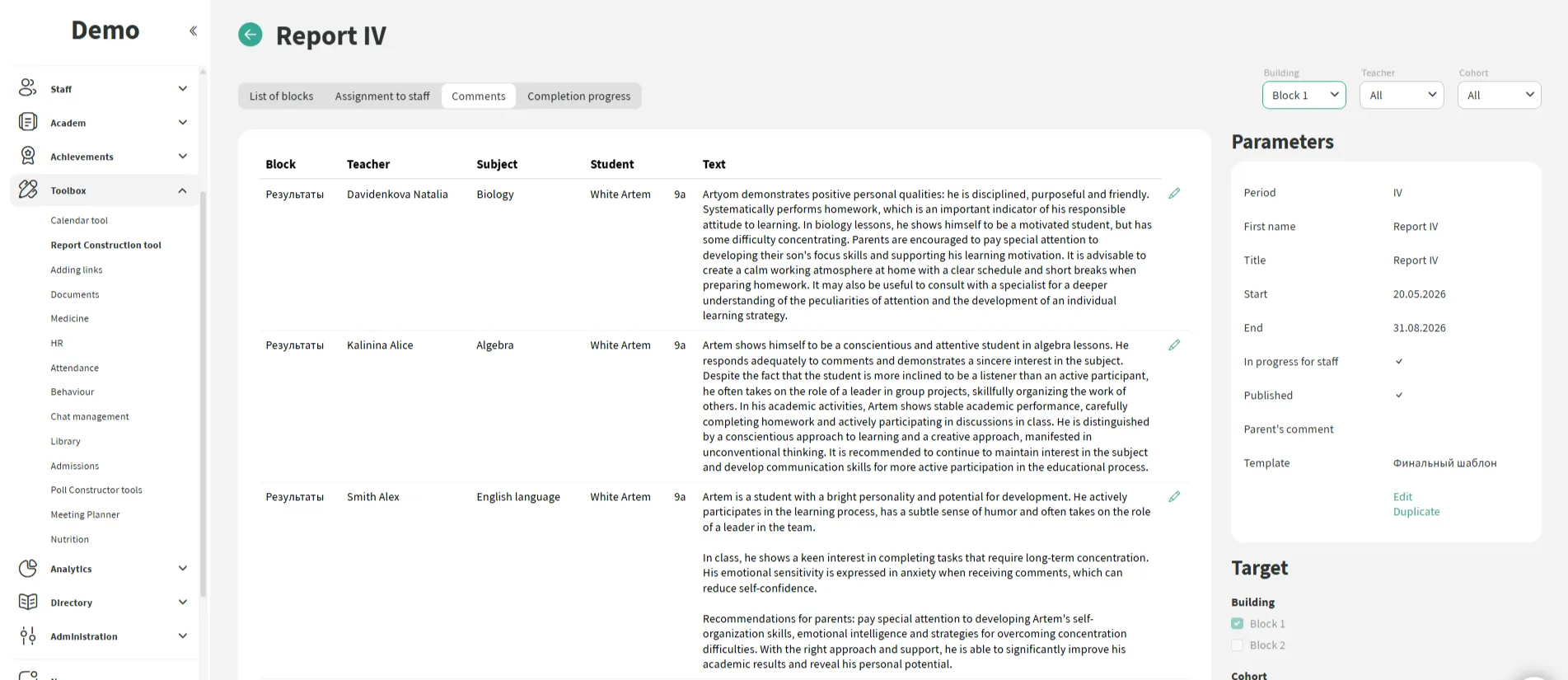
Deputy heads and administrators can quickly review all comments, make edits if necessary, and approve the report.
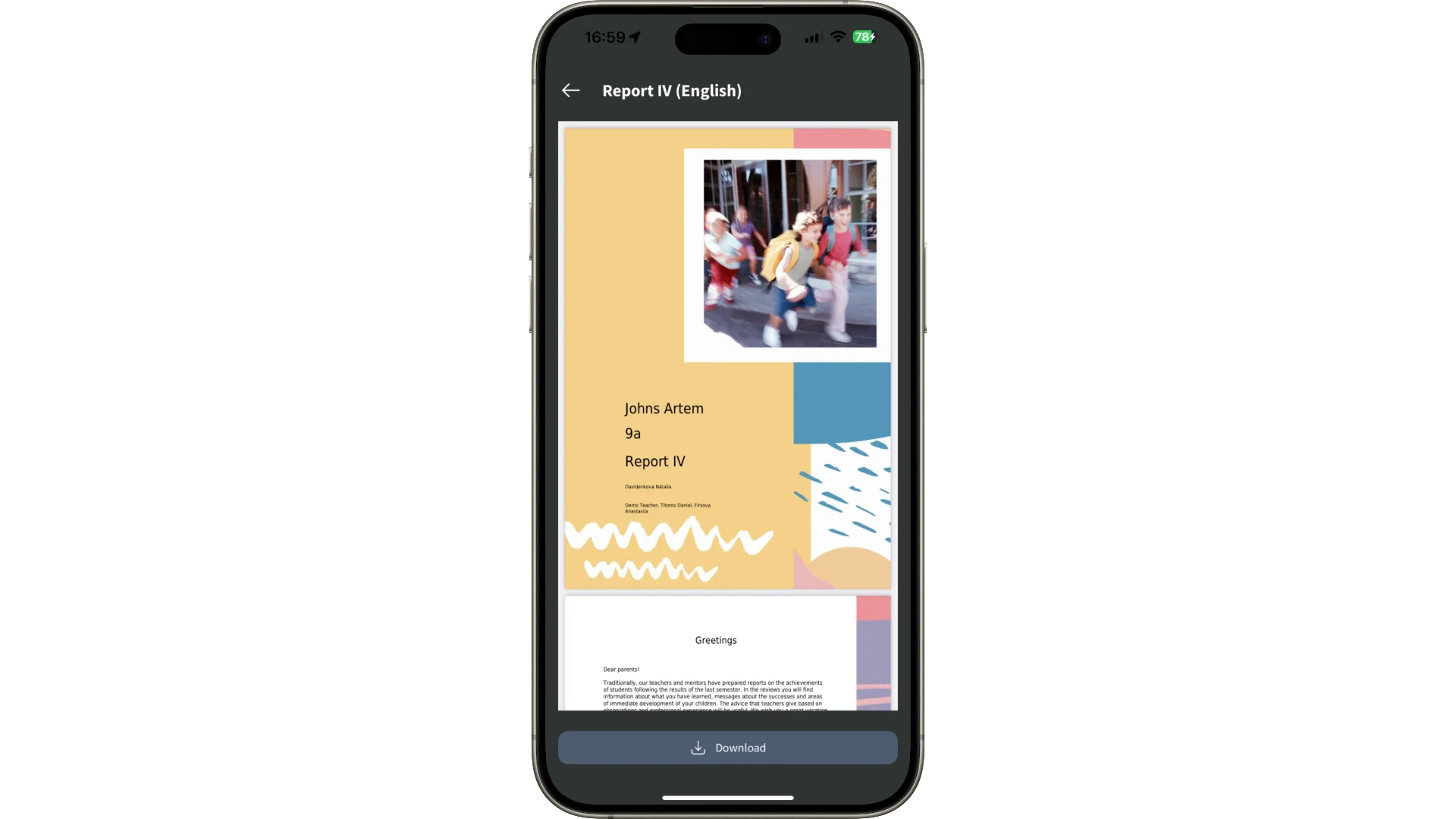
After publication, the entire report is available to parents and students in their personal accounts: both on the computer and in the mobile app. No papers, no unnecessary questions.

We have accepted the application and will contact you soon to set a time for the presentation.
