
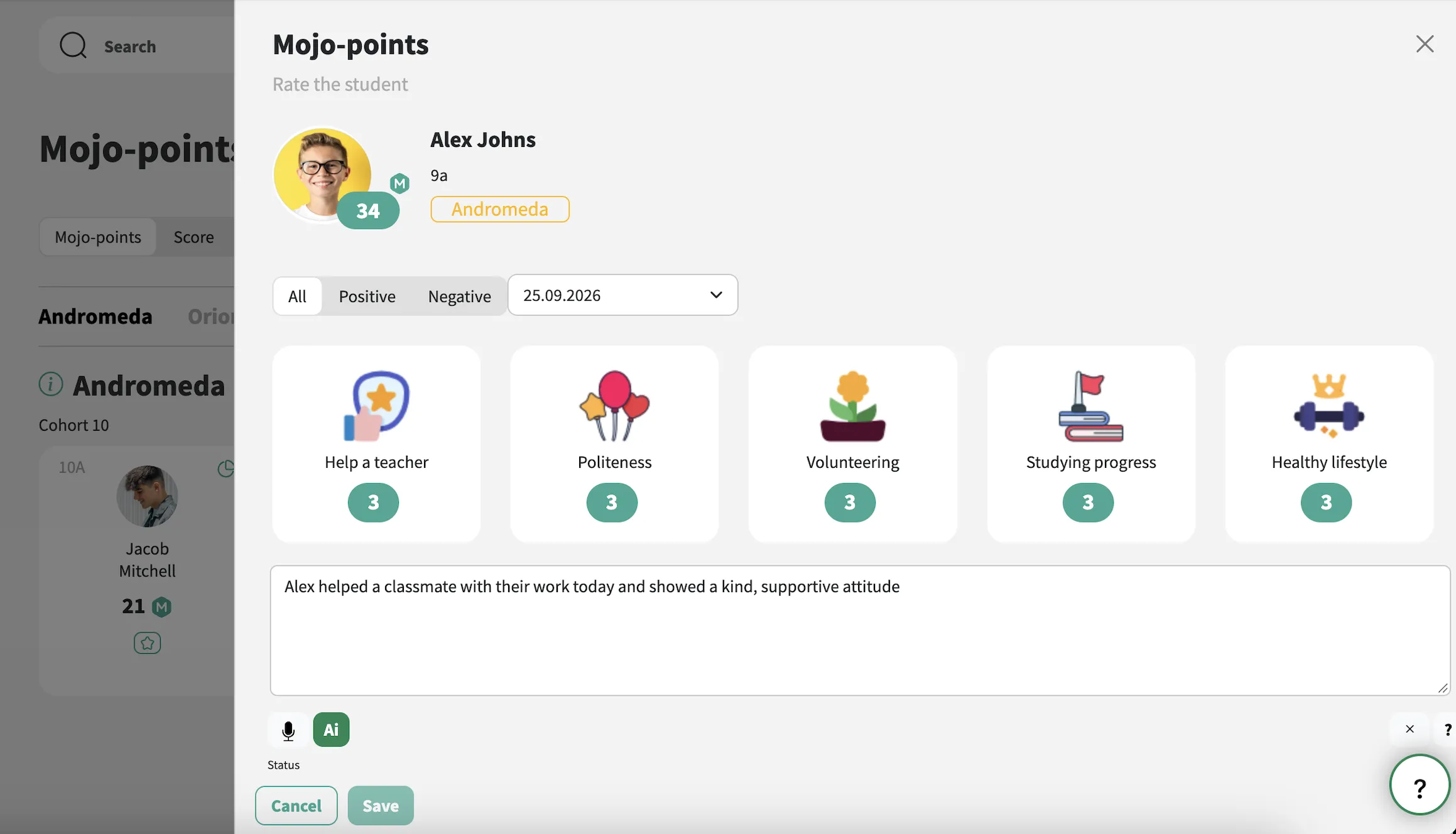
Set up your school’s House system with a name, colour, emblem and description for each House. Students can be assigned to Houses manually and moved between them whenever needed.
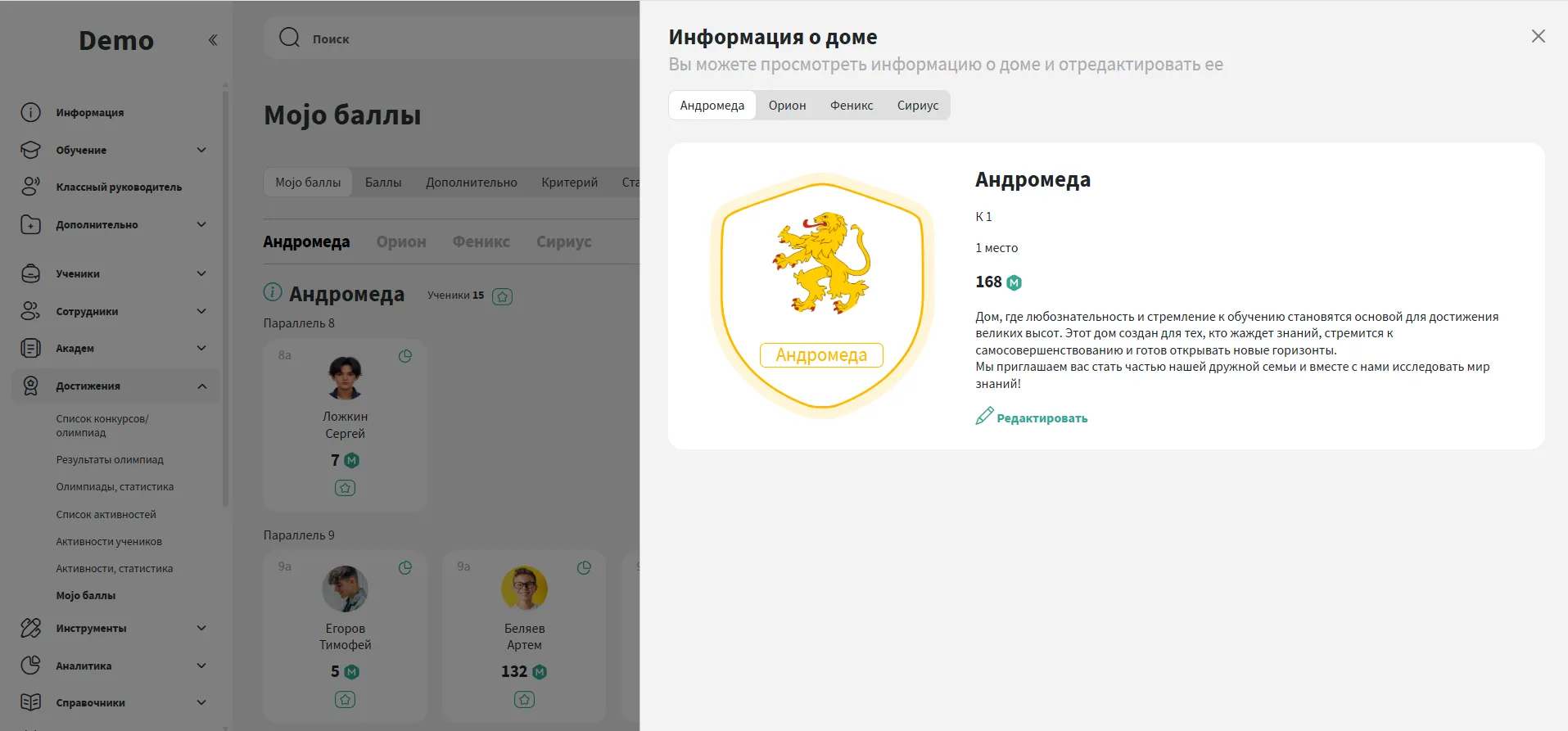
Set your own criteria for earning or losing points. Each criterion can have its own icon, suggested number of points and a short explanation.
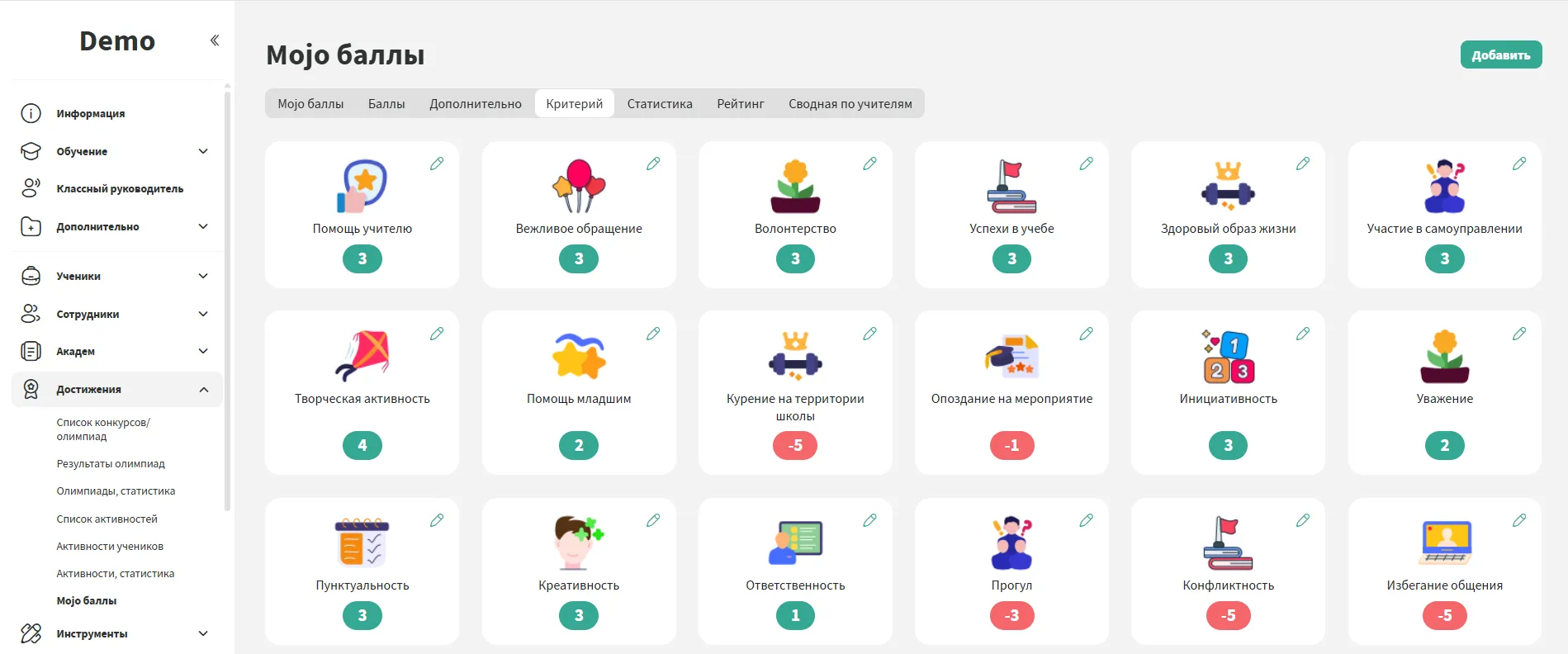
Award points from the gradebook, tutor section or dedicated Mojo Points area. Points can be given to one student, several students at once or an entire House.
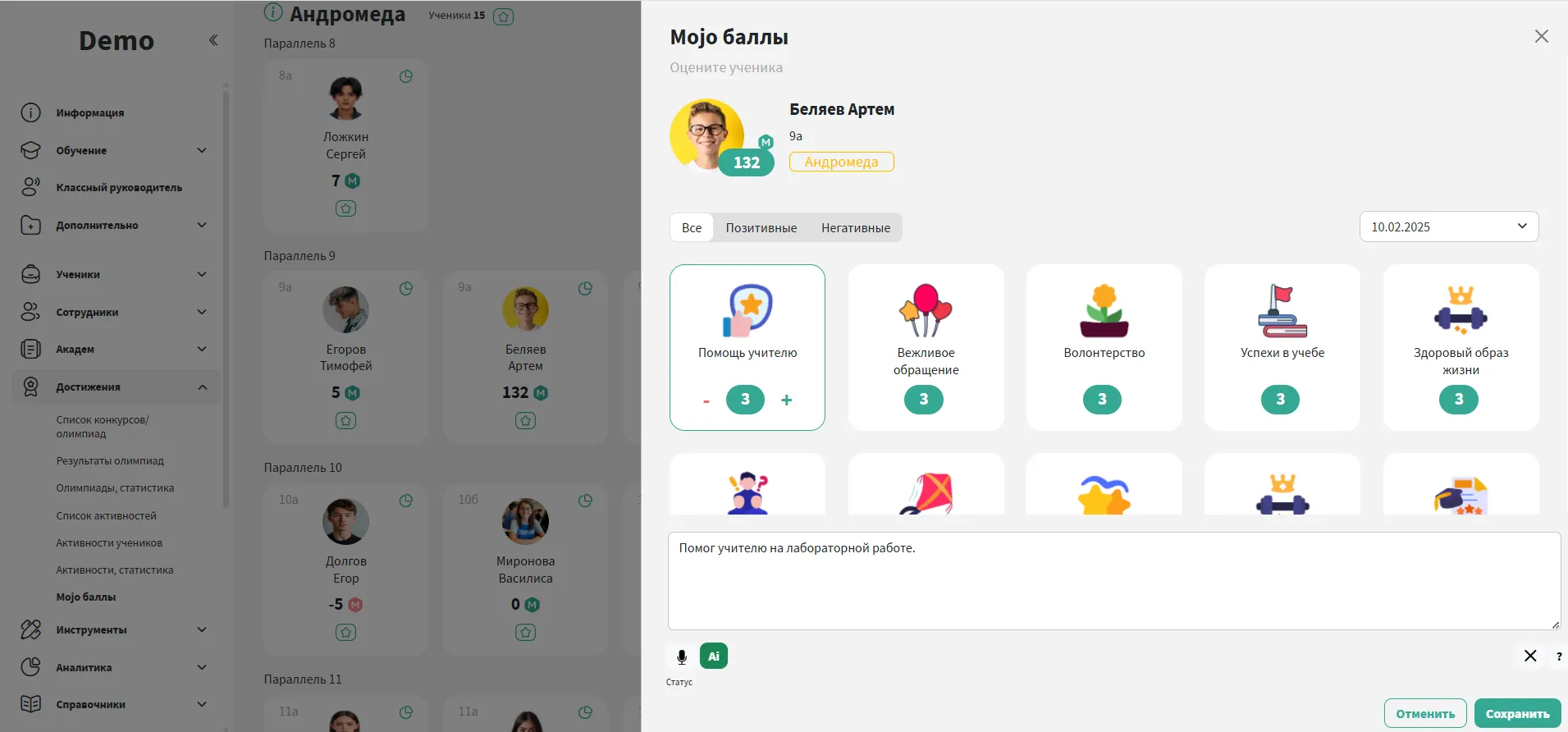
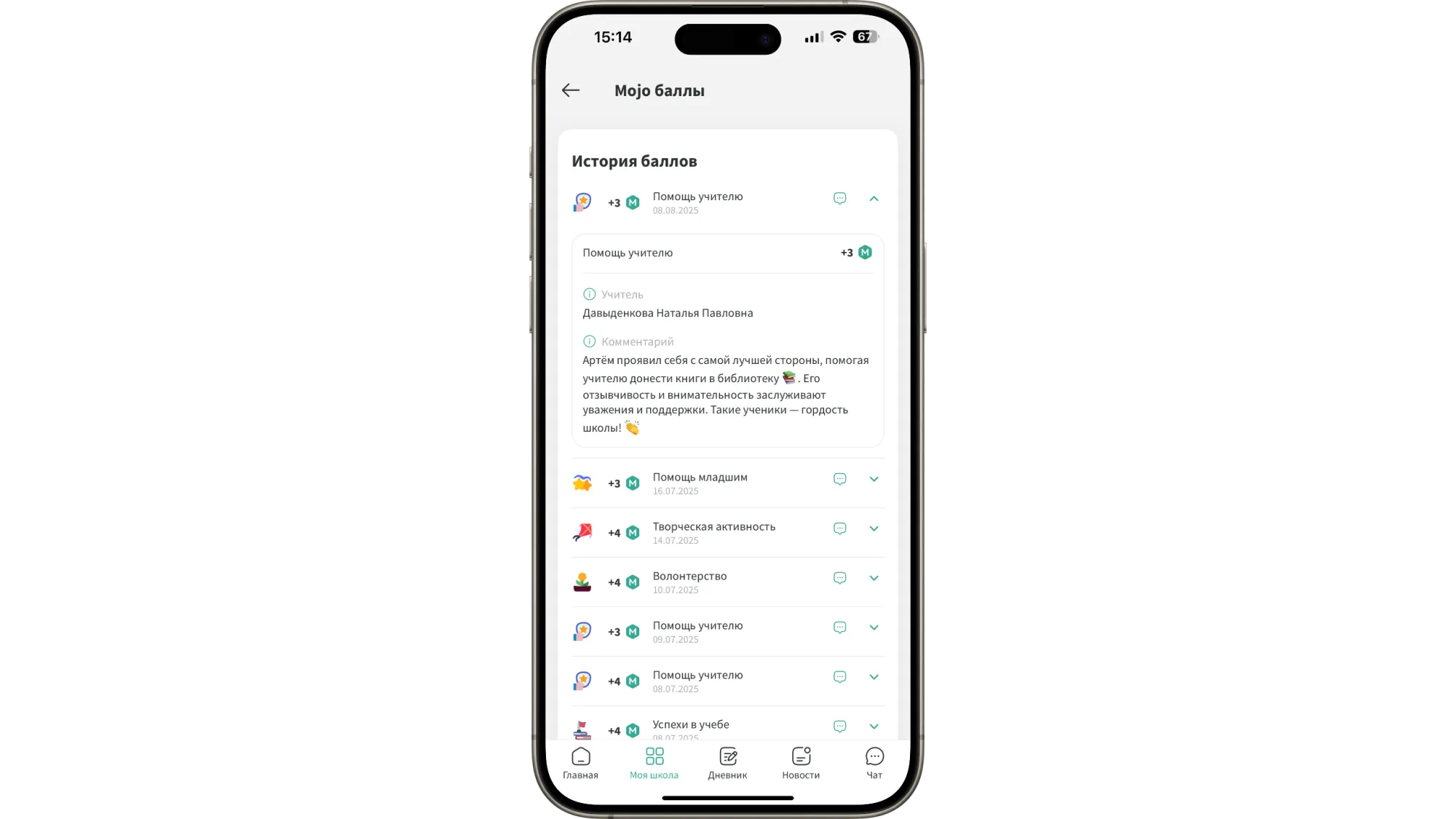
Students can see when they received points, what they were awarded for and which member of staff gave them. This makes the system clear and gives parents and tutors a useful record to refer to when discussing progress.
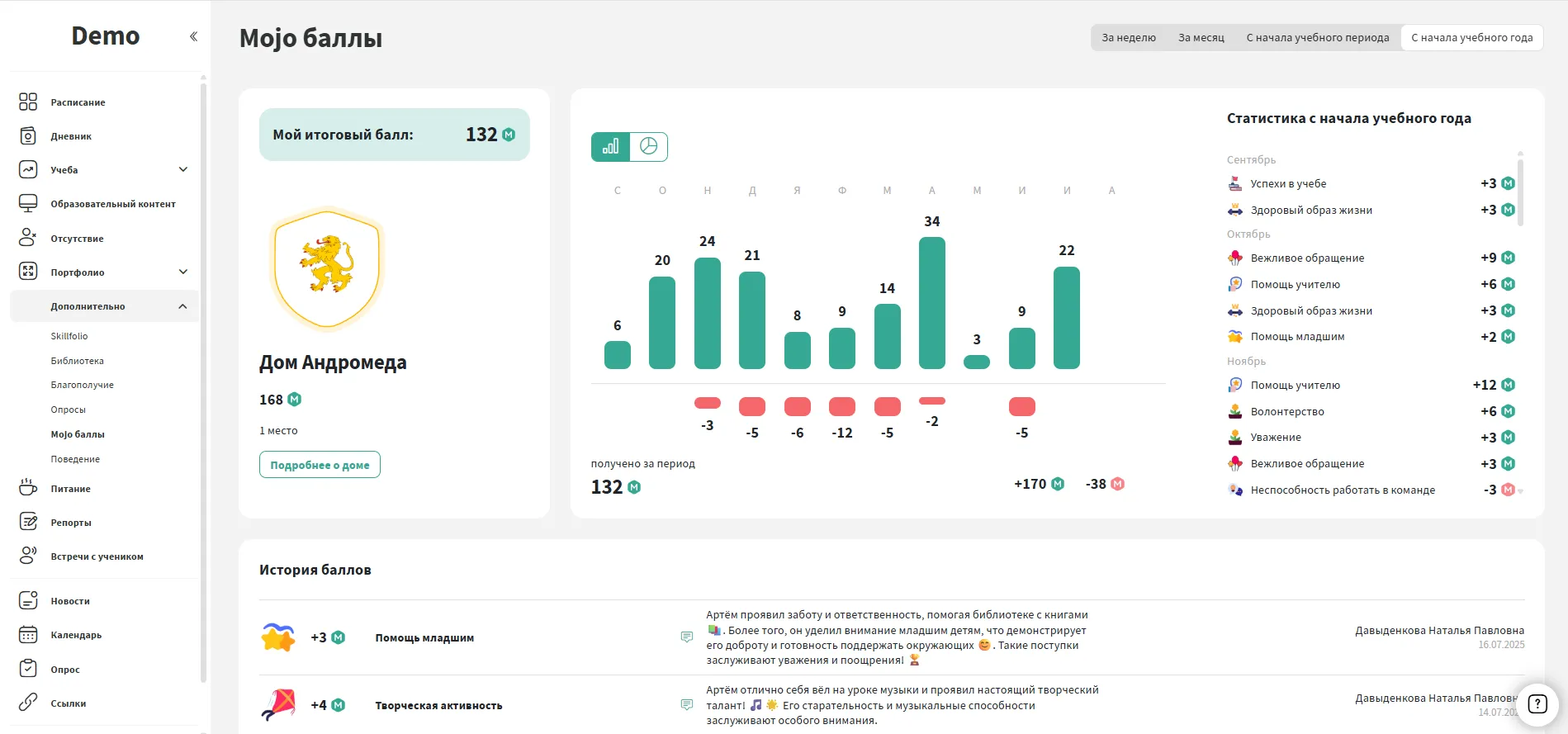
Students and parents can check points, view the full history and see the reason for each entry directly in the mobile app.
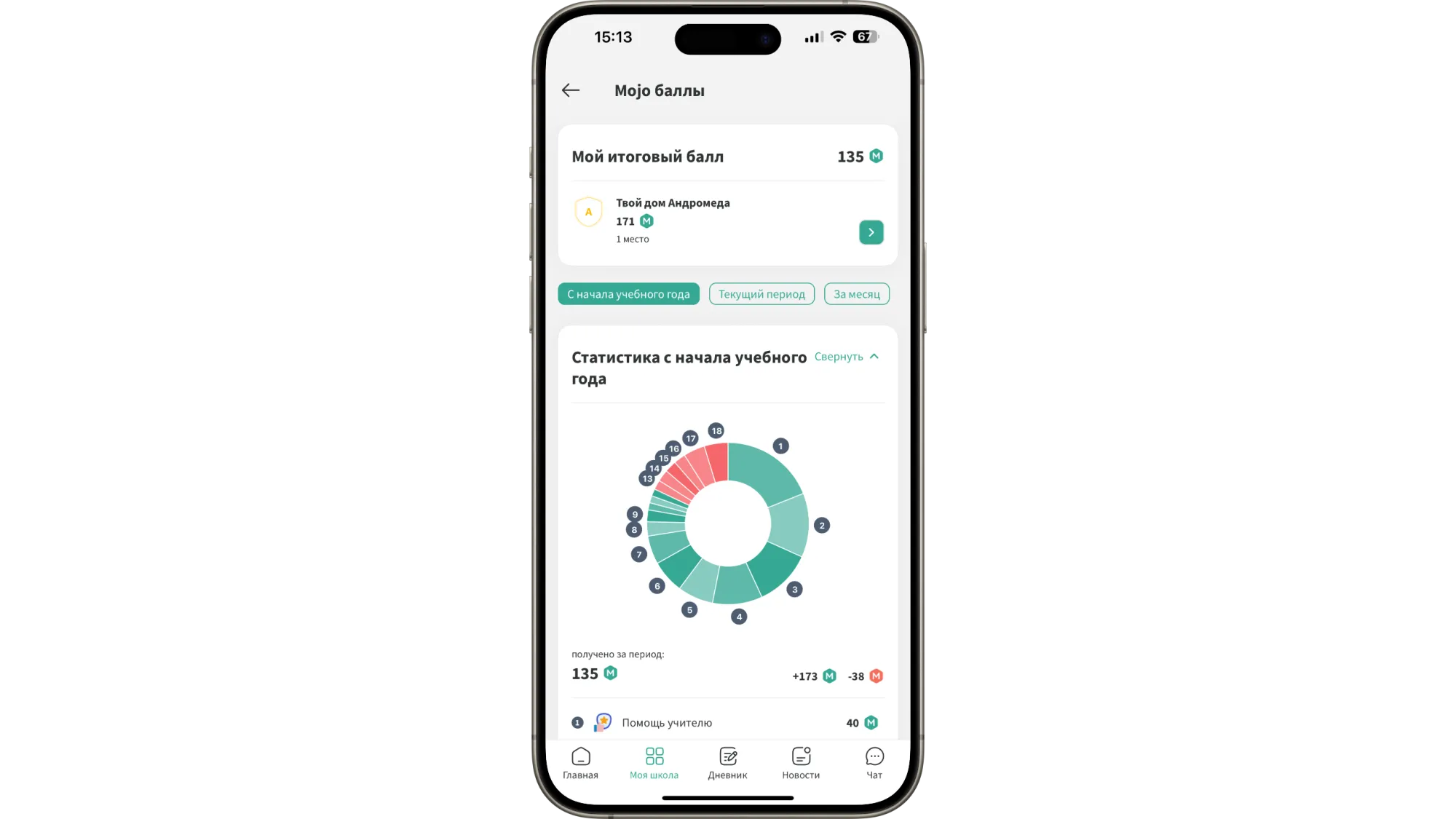
House totals update in real time, so the latest standings are always easy to see. They can also be displayed on screens around the school or shared during assemblies.
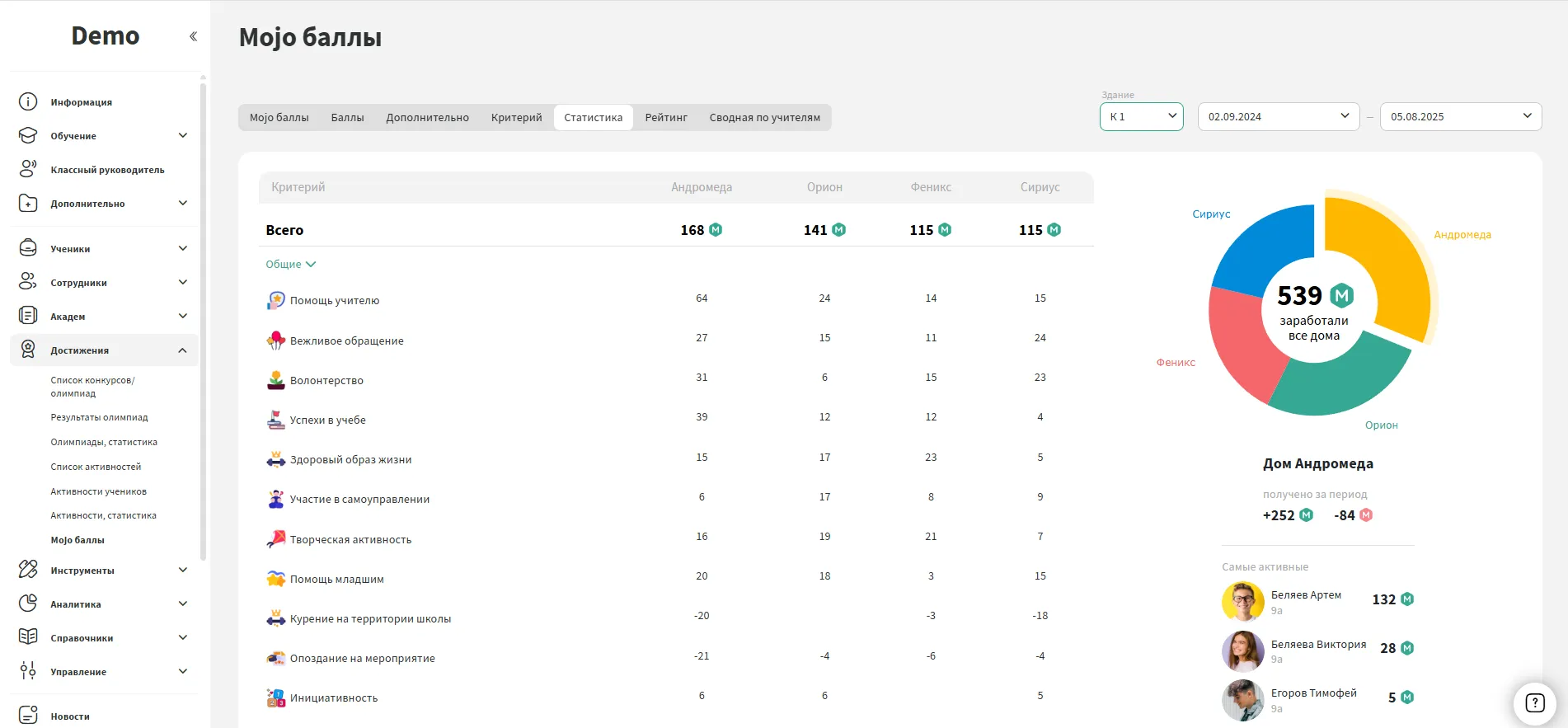
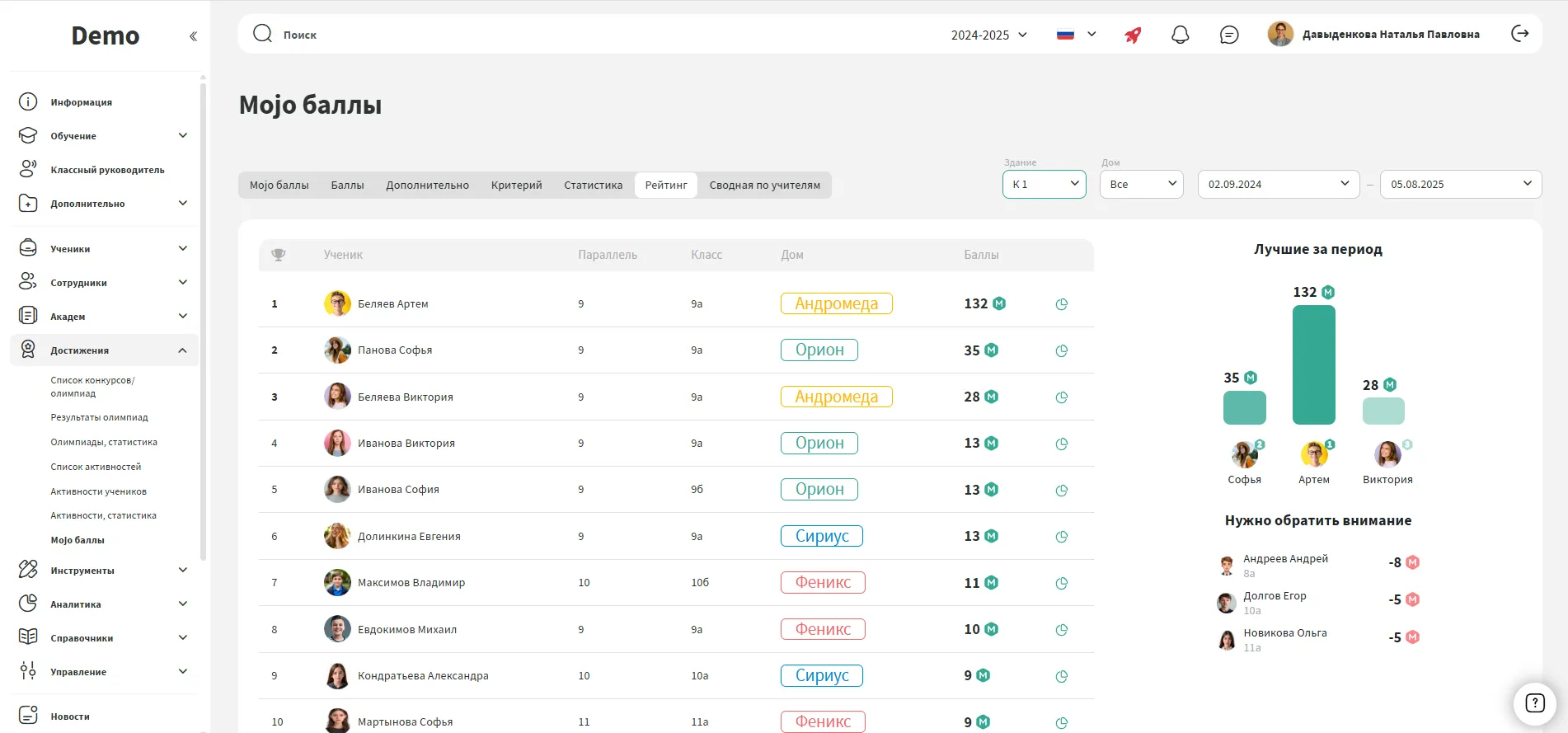
See how students rank based on the points they have earned. This helps schools recognise active participation, celebrate achievements and encourage students to stay involved in school life.




We have accepted the application and will contact you soon to set a time for the presentation.
