
Modern education technology can help reduce teachers’ workload and free up time for the work that matters most. Digital tools can support lesson preparation, assessment, communication with students and parents, and the organisation of academic processes.
The time saved can then be used for professional development, extracurricular activities or simply maintaining a healthier balance between work and personal life.
Which tools can save teachers time?
AI-powered assistants are becoming increasingly common in education.
They can help automate or speed up routine tasks such as:
- creating lesson plans;
- generating homework and practice tasks;
- supporting assessment and marking.
For example, AI can quickly generate maths exercises or create examples that a teacher can adapt for a lesson.

Virtual classrooms and electronic gradebooks are already familiar in many schools. Educational games, simulations and virtual or augmented reality are also becoming more common. But there are many other digital tools that can support teachers in less obvious ways.
Assessment and marking tools
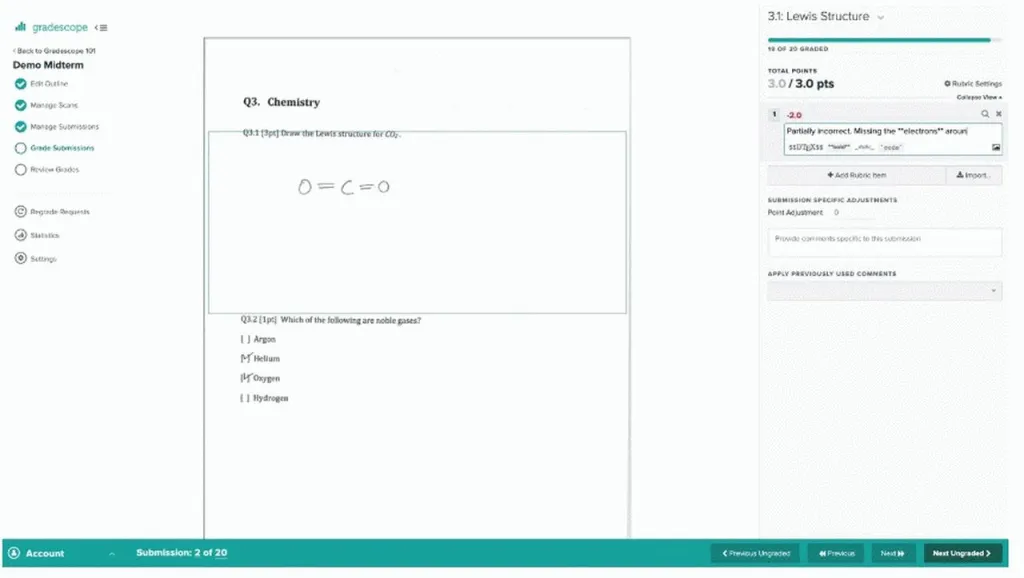
Platforms such as Gradescope can help teachers review handwritten or digital assignments more efficiently. Students can upload scans or photographs of their work, while teachers can mark submissions and provide feedback online.
The platform can also support tests, exams and other forms of assessment.
Classroom management systems
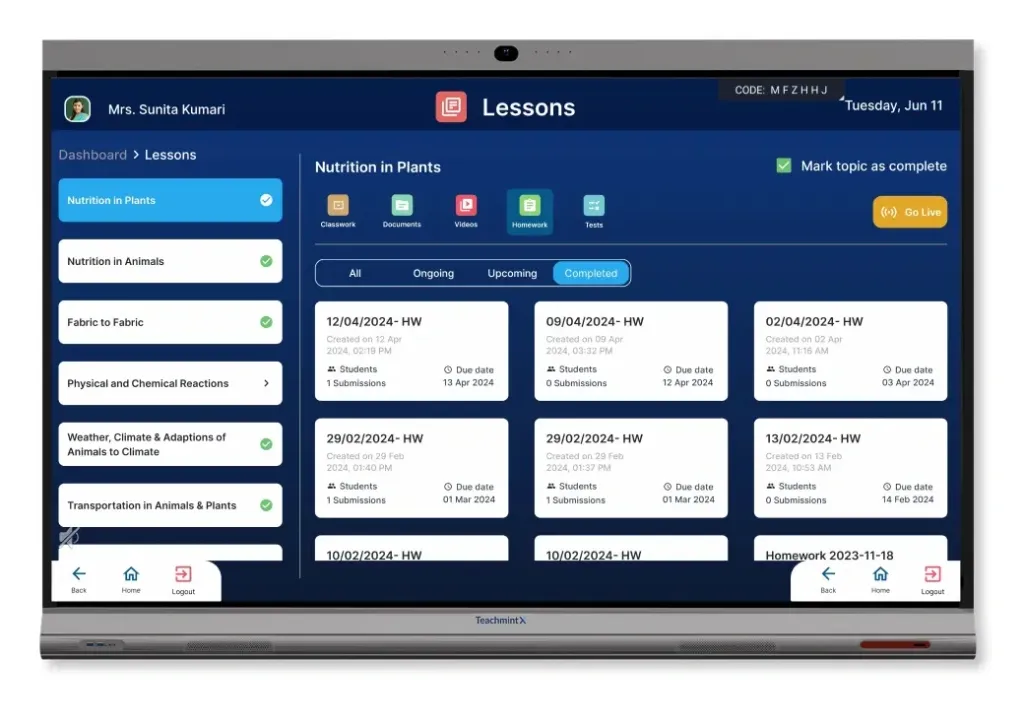
Classroom management systems help teachers organise digital activity during lessons, particularly when students are working on tablets or computers.
Depending on the platform, teachers may be able to:
- share their own screen or a student’s screen with the class;
- use a shared digital whiteboard;
- send and receive files;
- create polls and review the results;
- divide students into groups;
- manage how devices and online resources are used during lessons.
Examples include Mythware Classroom Management and Teachmint.
Learning Management Systems (LMS)
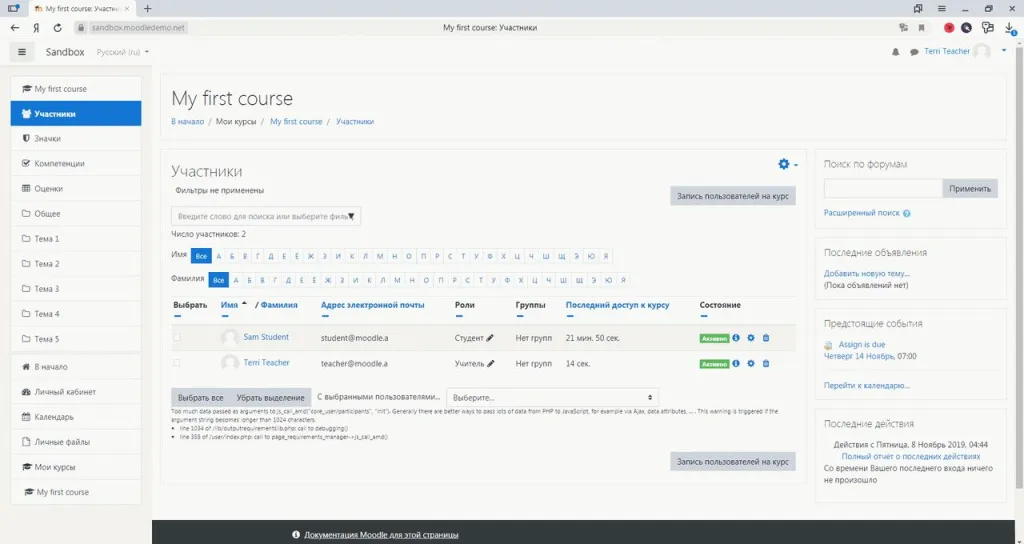
A Learning Management System is designed to support the organisation and delivery of learning. Depending on the platform, it may cover course creation, lesson planning, student management, communication, assessment and progress tracking.
An LMS can therefore support both remote and blended learning, as well as digital elements of everyday classroom teaching.
Well-known examples include Canvas, Moodle and Google Classroom.
School Management Systems and Student Information Systems
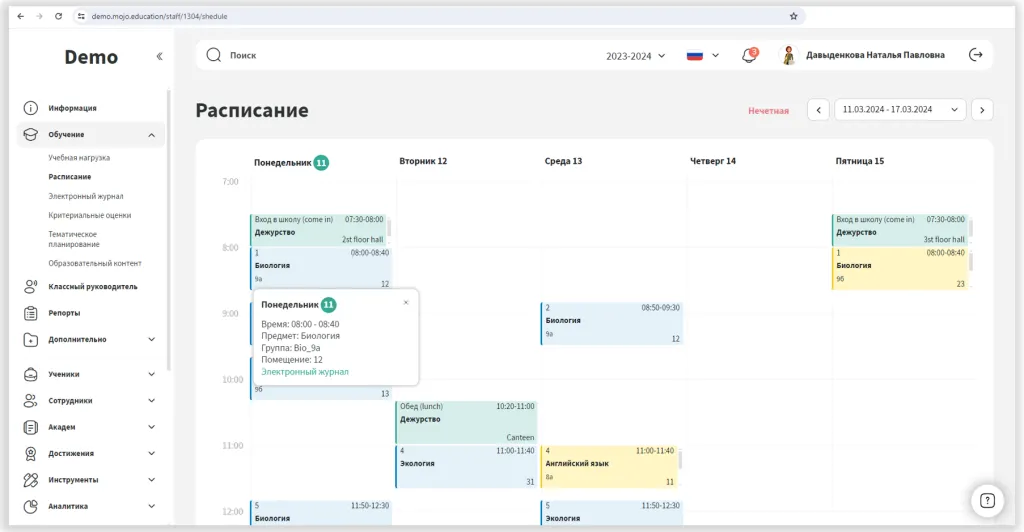
School Management Systems and Student Information Systems support a wider range of school processes than an LMS alone.
They can cover academic planning, attainment, assessment, attendance, behaviour, student wellbeing, reporting and other areas of school operations.
For teachers, this can reduce time spent on routine administrative tasks such as updating records, preparing reports or collecting data from different systems. For school leaders, it can also provide a clearer overview of areas such as attainment, attendance and survey results.
Other specialist tools
Schools can also use more specialised platforms for particular areas of school life.
These may include tools for student rewards and behaviour, parent communication, student health records or safeguarding and incident reporting.
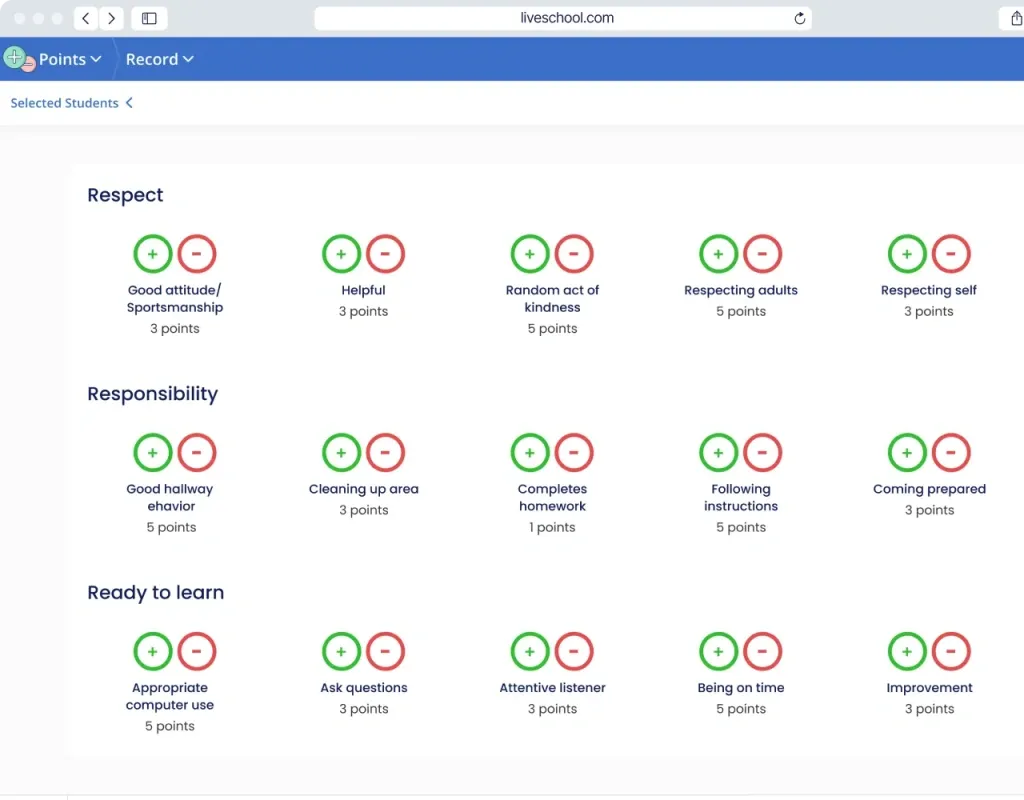
Examples include LiveSchool and ClassDojo for student rewards, Remind for communication, and specialist systems such as Magnus Health for student health information.
Introducing new technology into teaching: what should schools consider?
The most important principle is that technology should support the learning objective, rather than determine it.
Before introducing a new platform or digital resource, schools should consider questions such as:
- How will it fit into the curriculum?
- Is the content appropriate for the students’ age and level?
- Is access free, paid or licence-based?
There are also practical questions that go beyond the content itself.
Does the school have enough computers, tablets or interactive displays? Is the internet connection reliable? Do students have suitable access outside school where required? Are teachers, students and parents confident using the technology?
It is also worth having a backup plan. Digital systems can become temporarily unavailable because of technical problems, connectivity issues or service interruptions, so teaching should not depend on a single tool working perfectly at all times.
Data protection and online safety also need careful consideration. Digital education often involves collecting and processing personal information, which means schools need clear access controls, secure systems and appropriate safeguards for student data.
How can teachers adapt to new technology?

Learning to use new digital tools takes time, especially as platforms and technologies continue to change. A gradual approach is usually more effective than trying to introduce everything at once.
- Start gradually. Begin with simple tools such as presentations, digital quizzes or online forms before moving on to more complex platforms.
- Learn from colleagues. Professional development courses, webinars and workshops can be useful, but informal knowledge-sharing within the school can be just as valuable.
- Collect feedback. Ask students, parents and colleagues what works well and where difficulties remain. Online forms, surveys and other feedback tools can make this process easier.
Digital tools can make teaching more efficient and reduce the amount of repetitive administrative work. But technology works best when it complements strong teaching rather than trying to replace it.
The most effective approach is usually a balanced one: combining proven teaching methods with digital tools that genuinely make learning, communication and school management easier.