
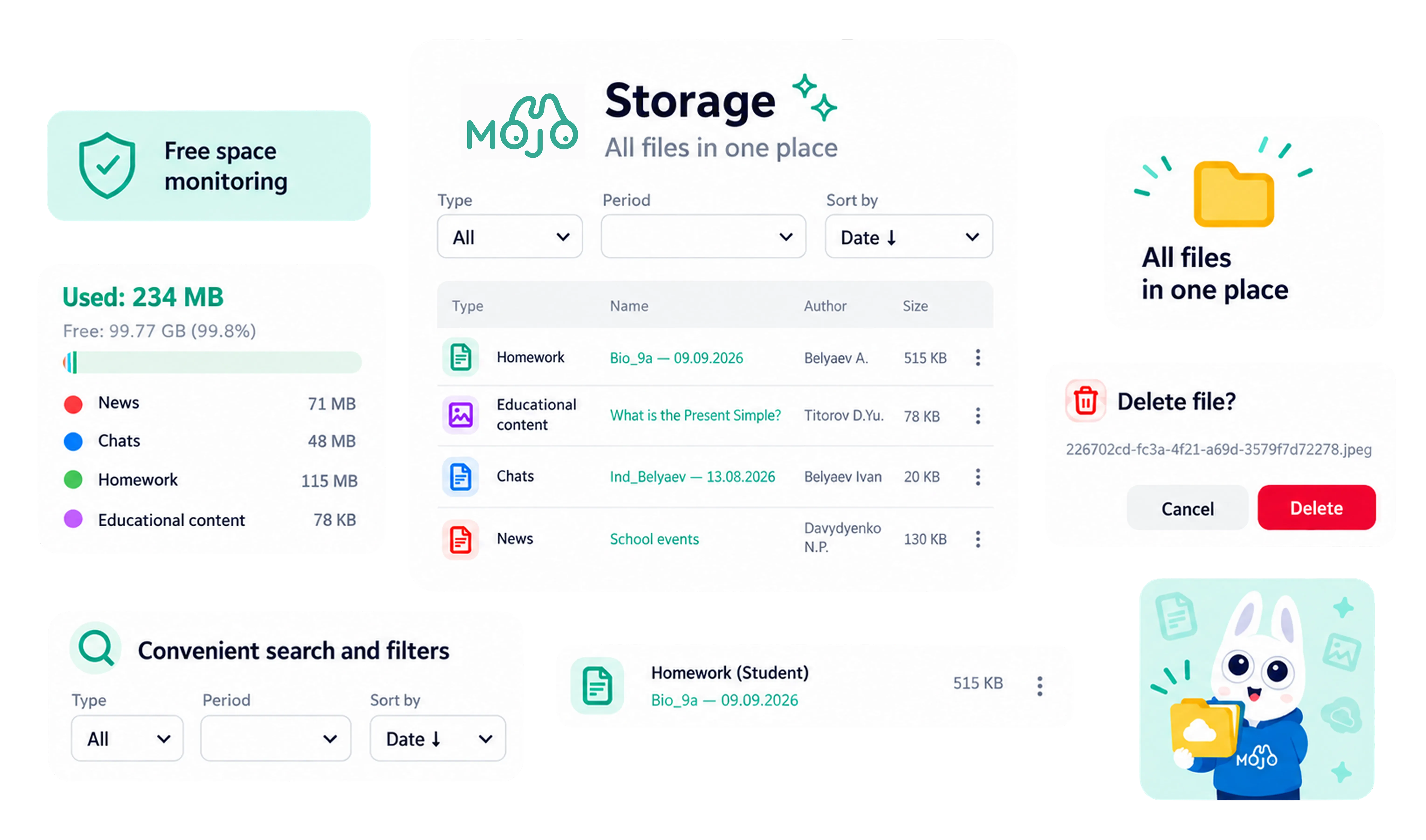
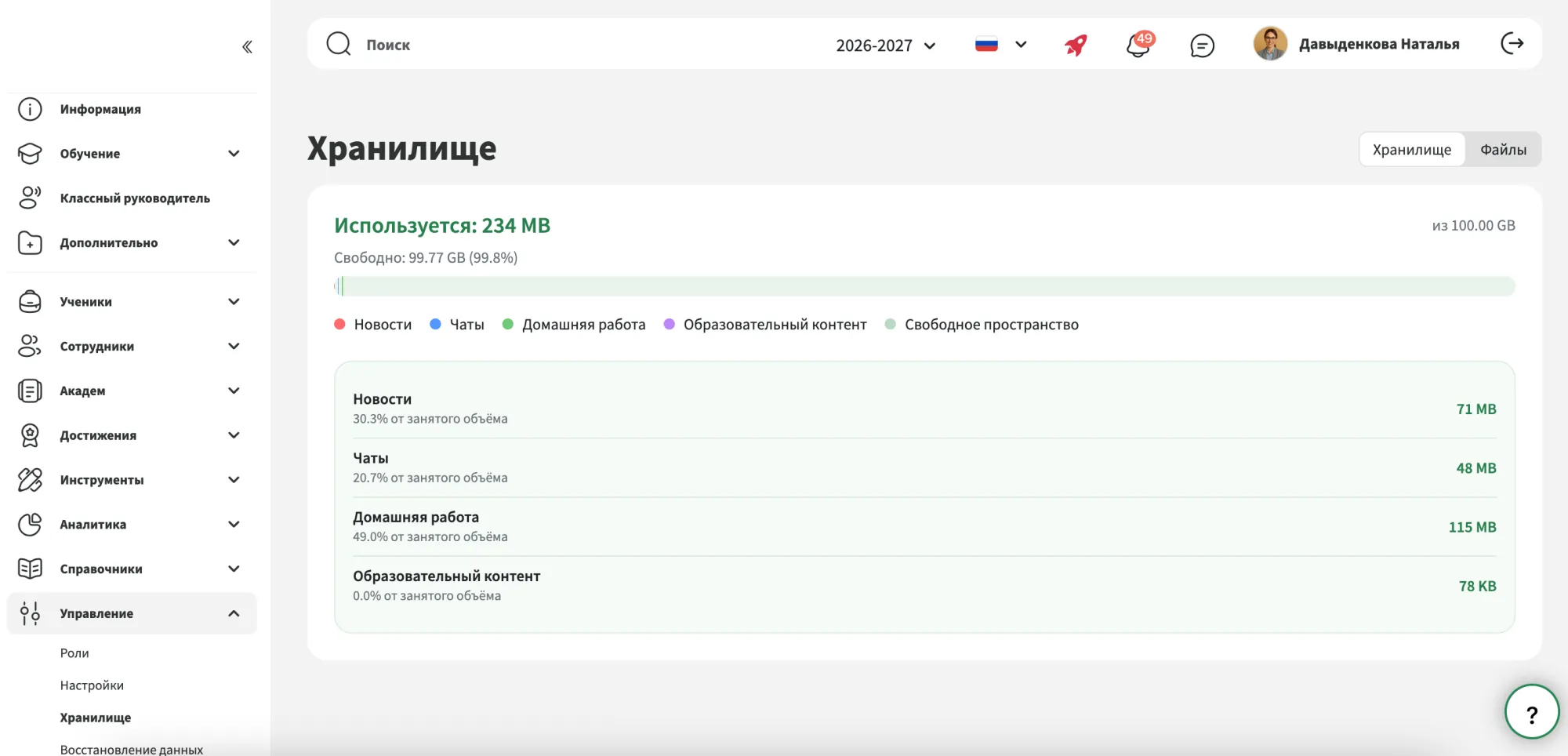
See how your school’s cloud storage is being used across Mojo. The overview shows total usage, remaining capacity and how storage is distributed between different types of content.
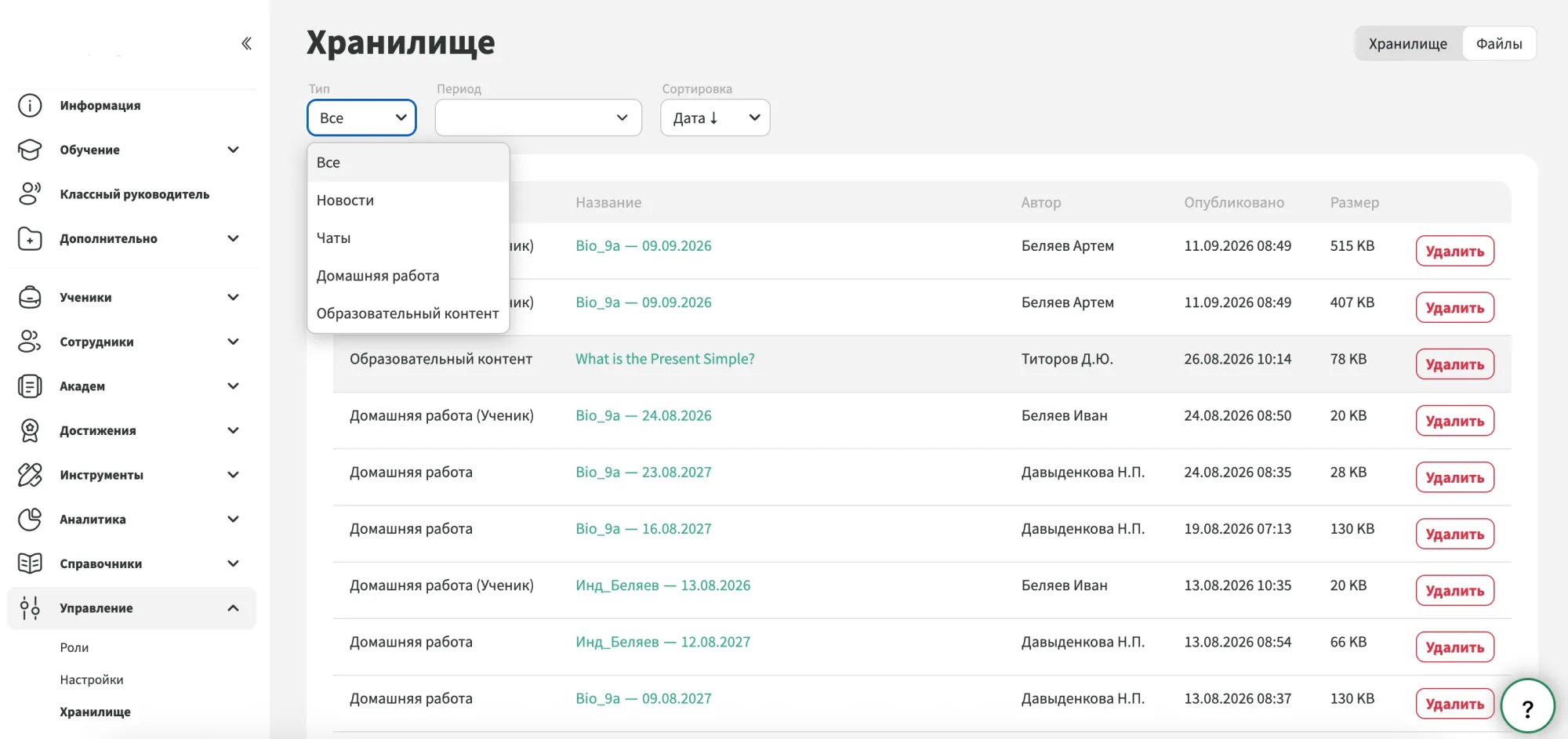
Browse materials uploaded across news, homework, chats and other areas of Mojo. Each item includes key details such as its type, author, date, size and where it is being used.
Search and filters make it easy to locate a specific item or review content by section, uploader, date or file size.
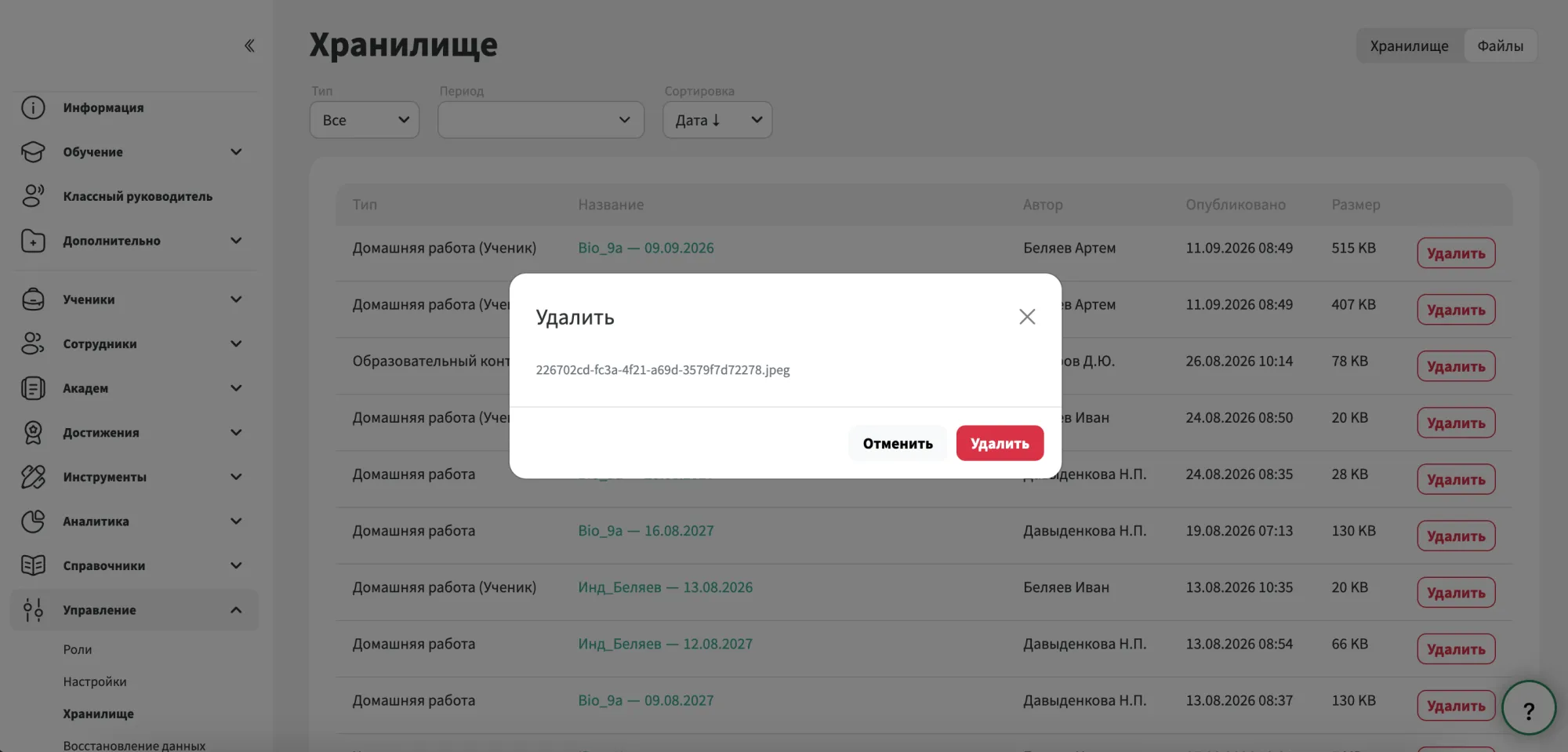
Authorised users can remove outdated or unnecessary materials directly from Storage. Before deleting an item, they can check its source and confirm that it is no longer needed.
Once content is removed, the available storage capacity is recalculated automatically.
We have accepted the application and will contact you soon to set a time for the presentation.
