
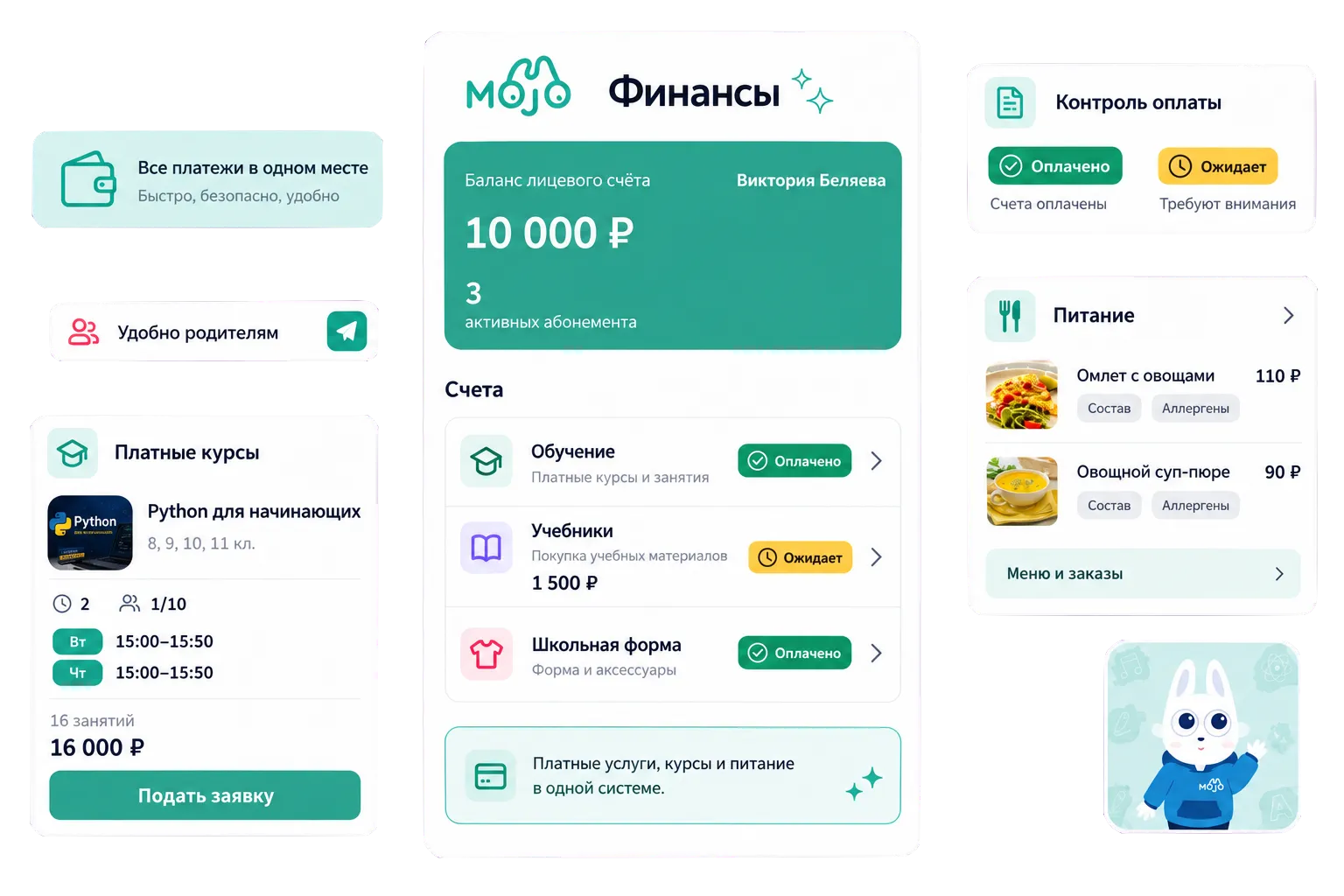
Manage one-off and recurring charges that aren't linked to lesson attendance, such as:
- Tuition and enrolment fees
- School uniforms and textbooks
- School trips and excursions
Add a service, set its price and payment frequency, then assign it to individual students or groups. You can also set different payment terms or apply discounts where needed.

The first invoice is generated automatically when you assign a service. For future payments, staff can choose the billing period and issue the next invoice.

Running extracurricular activities means managing enrolments, organising teaching groups, planning lessons and keeping track of attendance, as well as handling payments. Mojo helps schools take care of each stage, from setting up a course to monitoring how it's running.
Groups and Memberships
Create course groups, assign teachers and choose where lessons will take place. Set up different membership options with their own prices, durations and attendance arrangements. When starting a new group, you can use an existing template rather than setting everything up again.
Staff can enrol students directly, while parents can browse available courses, read the details and apply through their account or the Mojo mobile app.

Timetables and Attendance
Plan lessons, make timetable changes and record attendance. Staff can mark sessions as completed or cancelled, and cancel multiple lessons at once during school holidays or other breaks.

Course Performance
See which courses are most popular and how they're performing. Reports cover group and membership numbers by subject, monthly revenue, completed sessions and attendance, giving schools the information they need to review their extracurricular programmes.
School meal management involves everything from planning menus and taking orders to making sure the kitchen knows how many portions to prepare. Mojo helps schools manage these daily tasks, with flexible meal options for students and a straightforward ordering process for parents.
Menus and Meal Plans
Create menus with photos, ingredients, allergen information, calorie counts, portion sizes and prices. Plan meals for each day of the week and copy existing menus to other days or weeks, without having to start from scratch.
Offer set meal plans or let students choose their own dishes. Schools can also arrange individual meal plans, apply discounts and automatically assign meal options based on selected criteria.

Meal Orders and Preparation
When individual meal selection is available, parents can choose and order dishes through their account or the Mojo mobile app. Staff with the appropriate permissions can also place orders on their behalf.
Order summaries show how many portions need to be prepared each day or week, including figures for individual school buildings. Kitchen staff can use this information to plan meals and prepare the right quantities.

Meal Tracking
Staff can check which meals students have selected and record whether they've eaten. Parents can see these updates in the Mojo mobile app.
If the Health module is enabled and student records are complete, staff can also see relevant allergy information. Permissions determine who can manage menus and meal records, with the option to limit access to specific school buildings.

We have accepted the application and will contact you soon to set a time for the presentation.
